Annotating photos for printing with ImageMagick and Hazel
I bought myself a an inkjet printer as a new year's gift. My darkroom hasn't been operational for a while and I've been trying to figure out how to make shooting digital fun.
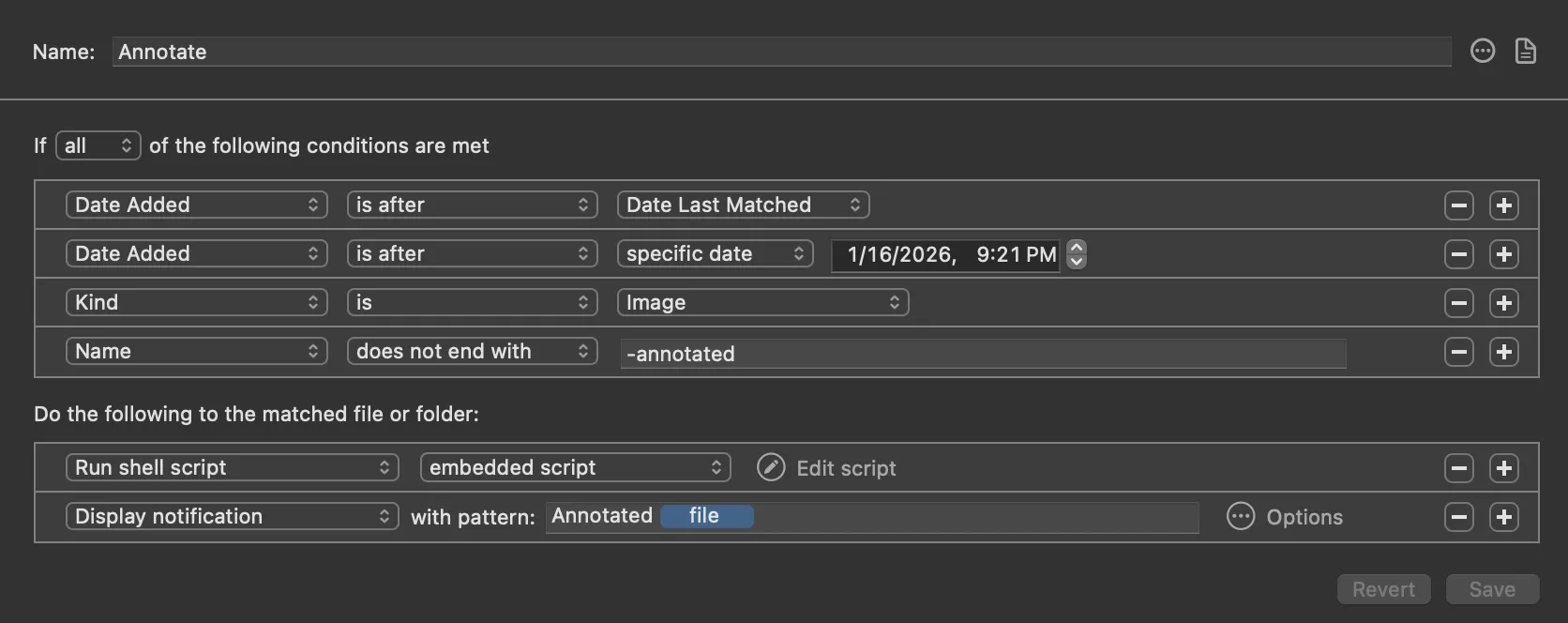
Making prints is an iterative process: make one, inspect it to see what needs to be tweaked, adjust, repeat. In the darkroom, I'd just my exposure parameters on the back of work prints. Working digitally, I make my adjustments and then export a file for printing. I made a little Hazel rule that will automatically take any image I save to my prints folder and call a shell script that makes a copy of the file, annotated with the filename. This way I can look at a work print and know exactly which file it came from. Once I'm satisfied, the non-annotated version is already there ready to print.
Here's the fish function:
function annotate-photo
  set dirname (path dirname $argv[1])
  set basename (path basename --no-extension $argv[1])
  set extension (path extension $argv[1])

  magick -quiet $argv[1] \
    -pointsize 48 -gravity Southeast \
    -splice 0x80 \
    -family "Tundra Offc" \
    -pointsize 60 \
    -fill SlateGrey \
    -annotate +10+10 (path basename $argv[1]) \
    -gravity Northeast \
    -splice 0x80 \
    $dirname/$basename-annotated$extension
end
And the Hazel rule:
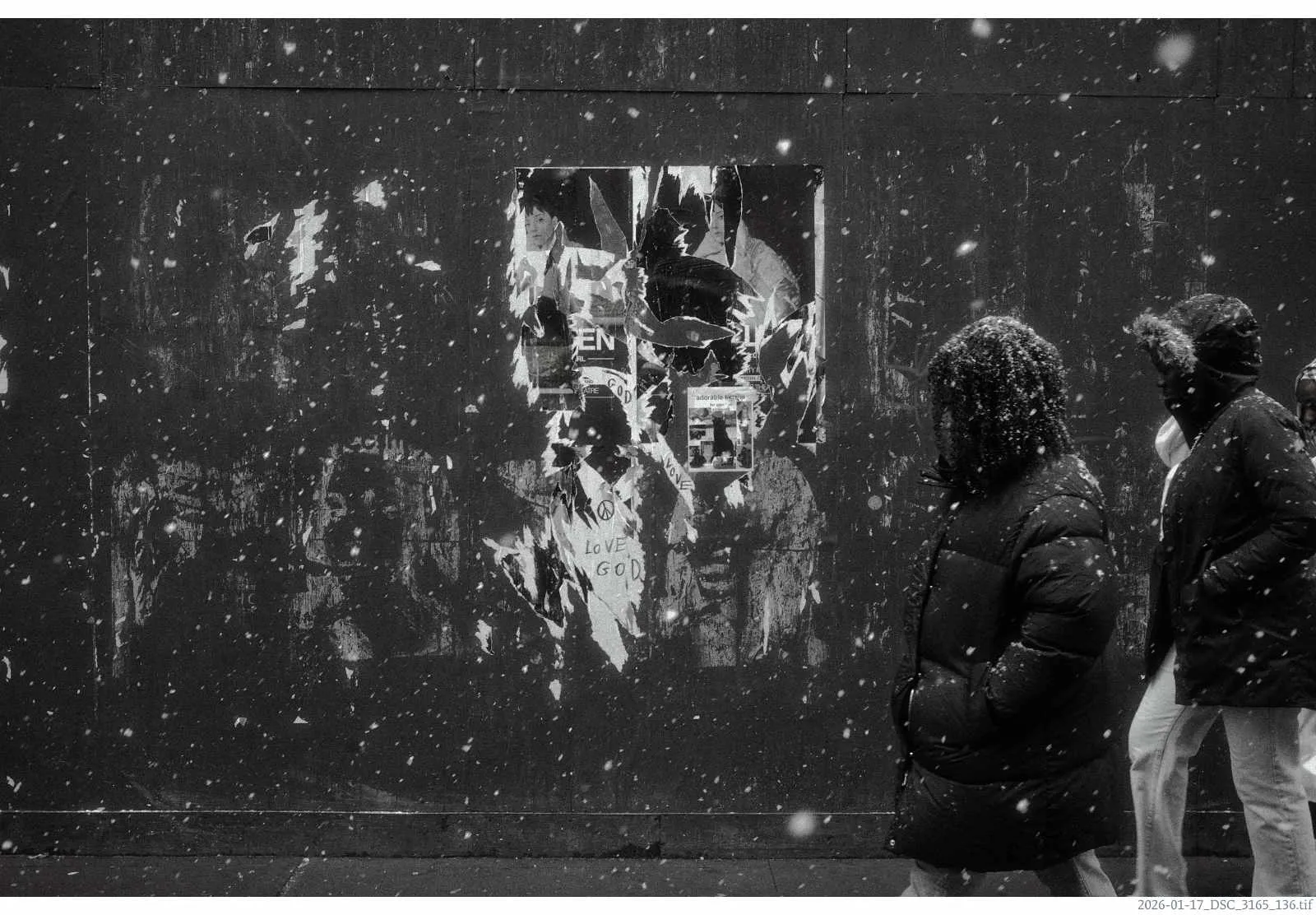
And the resulting image (annotated in the bottom right):